Newsletter News

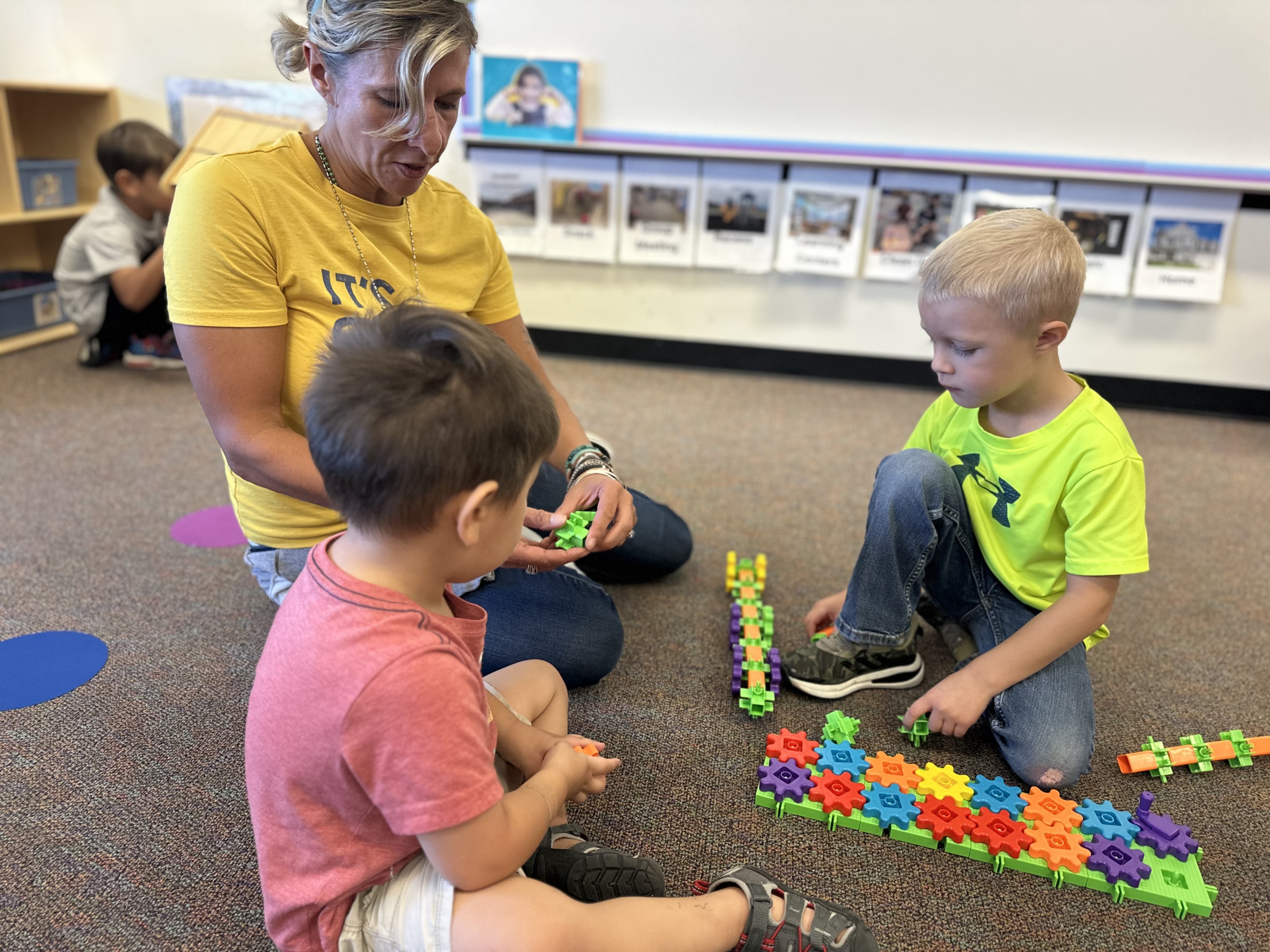
Starting the educational journey can bring up many questions for families, especially when a child might need extra support reaching developmental milestones. Fortunately, parents and guardians in our community do not have to navigate this path alone.
Through Child Find, a federally mandated program under the Individuals with Disabilities Education Act (IDEA), local school districts ensure that all children from birth through age 21 who may have a disability are identified, screened, evaluated, and supported, completely free of cost.
We sat down with Jordana Moreno, Weld RE-4 Child Find Specialist, to discuss how the program works, clear up common misconceptions, and explain how families can access these vital resources.
While federal law covers ages birth through 21, school district Child Find specialists specifically coordinate services for ages 3 through 5, bridging the gap between early childhood development and K - 12 public education.
"Child Find is a legally mandated program," explained Moreno. "So, we serve as a bridge between early intervention, which is the state birth-through-3 program (usually provided in-home) and then as a child ages closer to 3, we get them evaluated to determine if they need continuing support."
The process serves two primary groups of young learners:
Once a referral is received, the Child Find team conducts a developmental screening or comprehensive evaluation. If a child qualifies for services, the team creates an Individualized Education Program (IEP) and places them in a supportive preschool setting. If a child does not qualify, the team connects the family with community resources and strategies, keeping the door open for future re-evaluations whenever concerns arise.
A common point of confusion for families is how to get started. While pediatricians frequently submit referral forms, a formal medical referral is not required. If a parent, relative, or caregiver notices developmental delays or has questions about a child’s speech, motor skills, or behavior, they can reach out directly to the district’s Child Find team.
"If you know about Child Find, you can just call without a doctor’s referral," says Moreno. "And if you come in and screening shows your child doesn't need a full special education evaluation right now, our process isn't a 'one and done' model. If there are continuing or new concerns in six months, families can always come back."
For school-age children (Kindergarten through 12th grade), Child Find specialists communicate directly within each neighborhood school through the school's special education team.
Navigating special education can feel confusing and overwhelming. Moreno shared insight on common questions and misconceptions:
"Will my child be separated from their peers?"
Preschool classrooms in our district are inclusive. Classrooms blend typically-developing peers with children receiving special education support, ensuring every child learns together in a welcoming community.
"Will an evaluation stay on my child's permanent record?"
IEPs and evaluation results are strictly confidential under federal privacy laws. If a child no longer requires services as they grow, the support drops away, and files remain securely confidential.
"Can children be sent home or suspended for challenging behaviors?"
Children are not suspended for developmental or behavioral challenges as teams work alongside families to build positive behavioral strategies.
"Does Child Find serve private and charter school students?"
For charter schools, yes, they fall under the public school umbrella. For private school students, evaluations are conducted by the public school administrative unit where the child resides to determine a go-forward plan.
For Moreno, Child Find is much more than fulfilling a legal mandate, it is about building a foundation of trust and partnership with families from day one.
"A lot of times, families have been struggling and searching for answers for a while,” explained Moreno. “When we sit down together and put a clear plan in place, you can see the relief on their faces. They realize, 'My child isn't broken, and we aren't alone.'"
She continued: “The bottom line is that we just want families to know that when their child is in our preschool classroom, we are going to love their kid, make sure their experience is rewarding, and ensure they are on the right path to continue through their education.”.
If you have questions about your child's development or would like to request a free screening for a child aged 3 to 5, contact your local school district’s Child Find coordinator or reach out to your neighborhood school's main office.
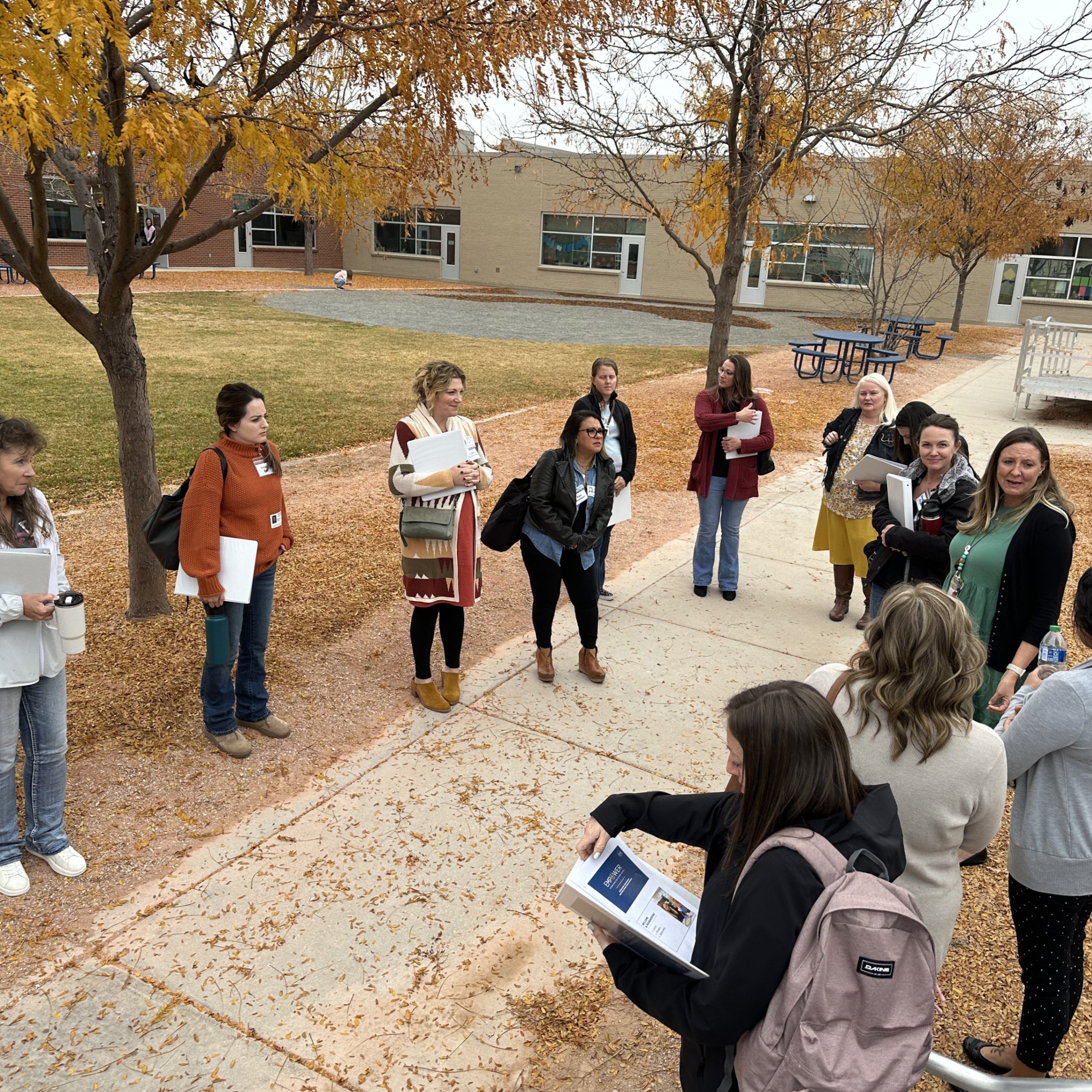
Parents, guardians, and community members are our district’s most important partners in shaping the future of our schools. These voices, perspectives, and unique insights are essential to helping us meet the needs and shared vision of our community.
Four district committees are seeking volunteer members and invite members of our school community to apply by Thursday, Sept. 24:
If you are looking to learn more about our district and to make an impact, we encourage you to submit an application today. For more information, email engage@weldre4.org.
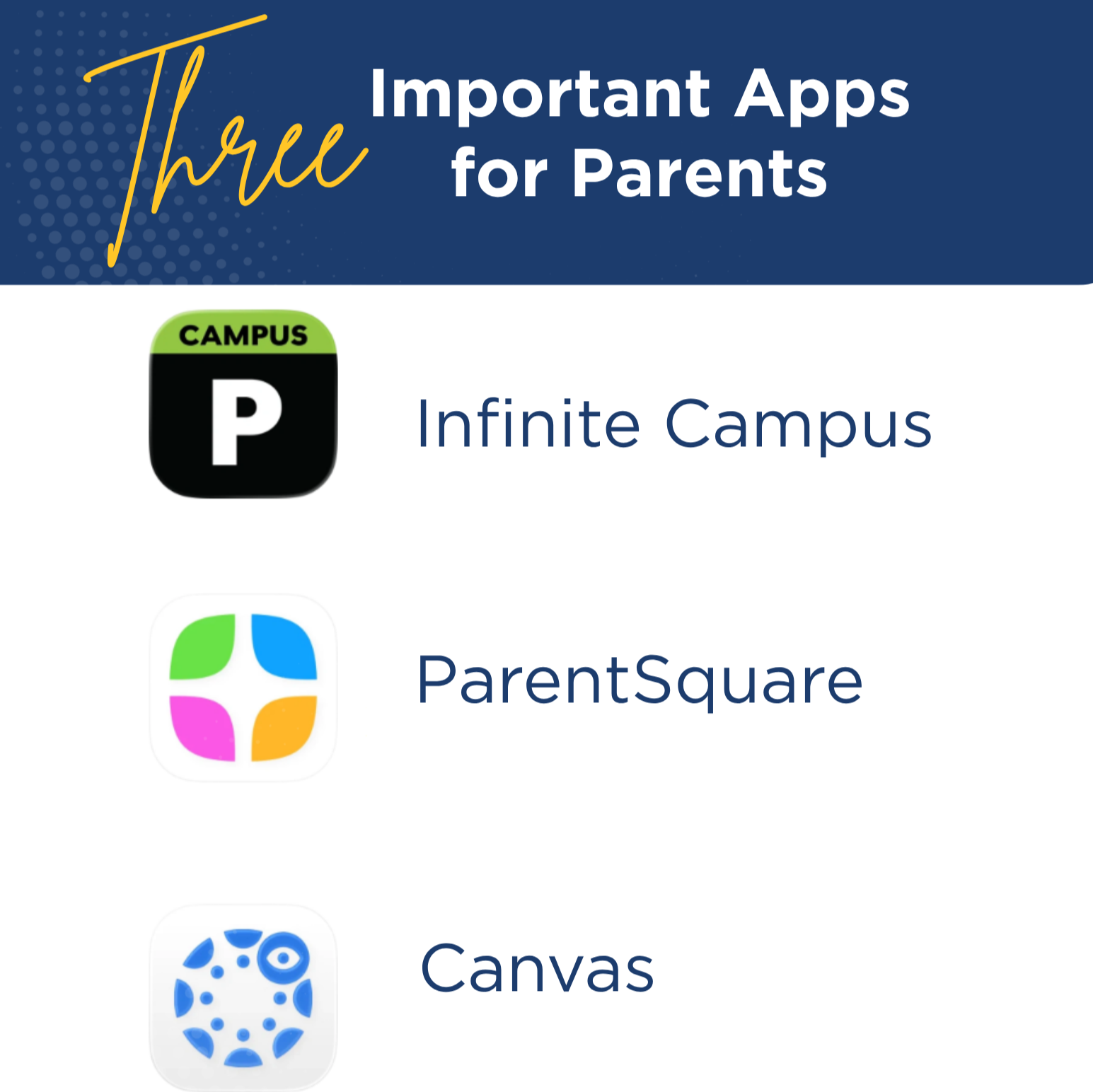
We are committed to making your experience as a parent as seamless as possible. To keep you connected and active in your student’s learning journey, our district consistently utilizes three core digital platforms across every school building.
Whether you need to check a report card, reply to a teacher, or view upcoming assignment due dates, here is everything you need to know about navigating some of our primary tools:
1. Infinite Campus
****Infinite Campus is a student information system. It's where student attendance, report cards, class schedules, and current overall course grades are housed.
2. ParentSquare
ParentSquare is our messaging platform. Through ParentSquare, you will have two-way communication with staff, sign forms / permission slips, sign up for various events, and more.
3. Canvas
****Canvas is a Learning Management System that gives parents access to assignment details (due dates, requirements, descriptions, etc.), course resources, and student submissions. We’ve updated our Canvas login portal. Staff, students, and parents now log in from the same page. Check out the help guide below for step-by-step instructions and video overviews.
By setting up your accounts on these three platforms, you will be able to stay up to date on your student’s progress and school community news.

Link: http://www.studio5portraits.preorderphotos.com/?AccessCode=Q36WH7
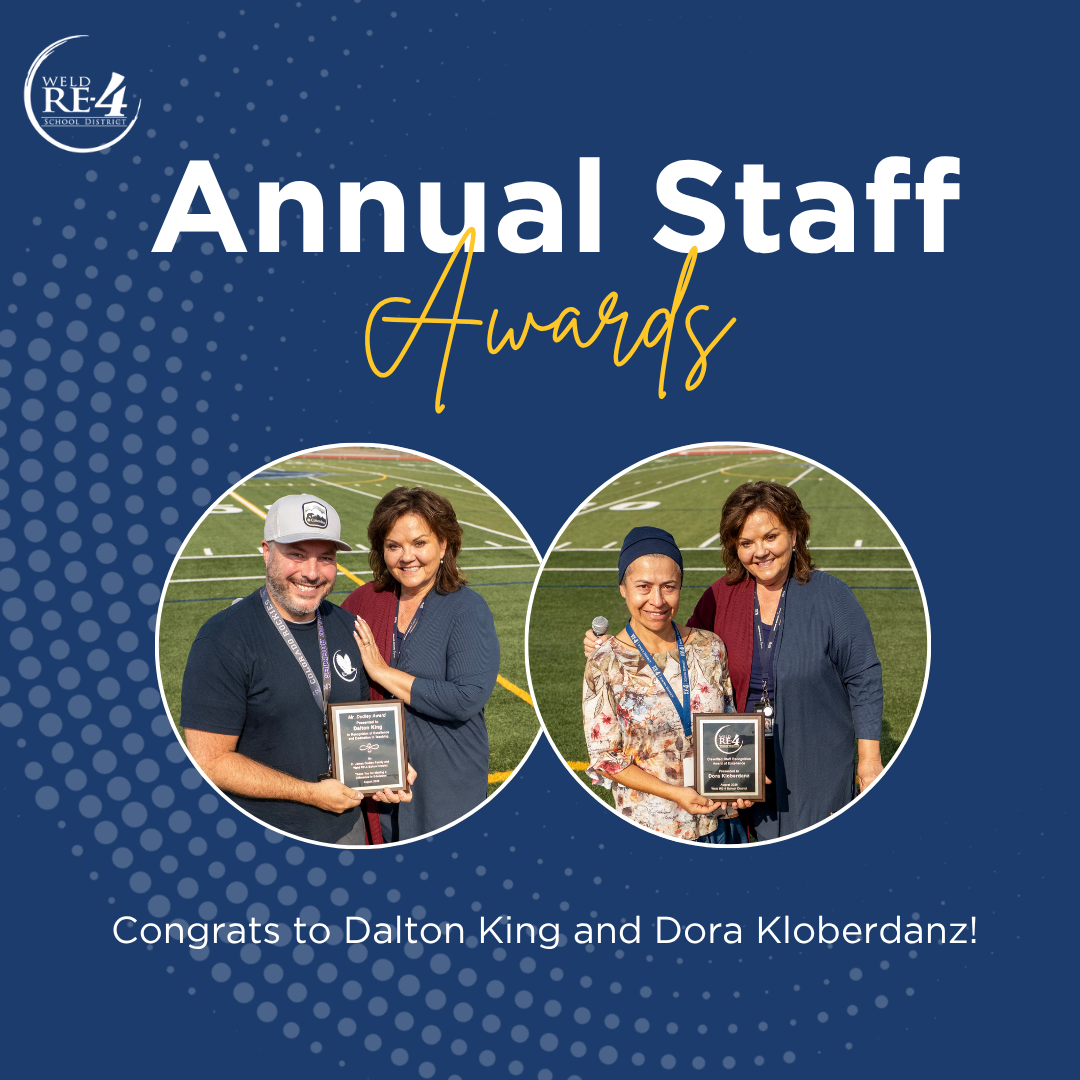
Weld RE-4 School District announced the recipients of its annual staff awards at the district’s all-staff Convocation event on Monday, Aug. 10.
Dora Kloberdanz was awarded the 2026 Classified Staff Award of Excellence, and Dalton King was the recipient of the 2026 Mr. James Dudley Teacher Recognition Award.
Classified Staff Recognition Award of Excellence
The Classified Staff Recognition Award of Excellence is awarded annually to a Classified staff member who embodies professionalism, hard work, going above and beyond, teamwork, service, excellence, and alignment with the district vision to Engage. Educate. Empower.
Kloberdanz has served as an English Language Development Paraprofessional at Skyview Elementary since 2023. Prior to her role at Skyview, she worked with an area preschool. In her spare time, Kloberdanz’s family founded “From Your Hands to Their Hearts,” a personal mission in which donated supplies are distributed to individuals in need or experiencing homelessness in Fort Collins during the Winter Break.
“As an English Language Development Paraprofessional and interpreter, she is often the very first connection new families make at Skyview,” her nomination stated. “She does far more than translate words — she builds trusting, compassionate relationships, helps families navigate unfamiliar systems with dignity, and treats everyone who walks through the doors like family.”
Mr. James Dudley Teacher Recognition Award
The Mr. James Dudley Teacher Recognition Award is an annual award given to a Certified staff member in recognition of James Dudley, who was a mathematics teacher, coach, and administrator in the Weld RE-4 School District from 1946 to 1980. Dudley had a reputation for excellence, high standards, rigor in his teaching, and compassion for students.
Award recipient King has been an educator in the Weld RE-4 School District since 2010. King currently teaches 5th grade at Grandview Elementary, having previously taught 2nd grade at the school. King earned a bachelor’s degree in Elementary Education from the University of Northern Colorado and a master’s in Special Education from Bowling Green State University.
“Dalton is known for meeting each student where they are with empathy, consistency, and patience; he creates a safe classroom environment where students feel encouraged to take risks, learn from mistakes, and grow into confident individuals,” his nomination stated. “Described by colleagues as a steady, optimistic, and deeply inspiring presence who celebrates small victories and never loses sight of each child's potential, he exemplifies what it means to lead with both heart and purpose.”
For more information, email engage@weldre4.org.

As we kick off the new school year, below are a few important updates to help keep you informed and connected.
Attendance App Notification
Over the next few days, you may receive a push notification through Infinite Campus' Campus Parent app indicating that your student in preschool or grades 1st–5th, 7th–8th, or 10th–12th has been marked absent. This is an automated notification sent by Infinite Campus that we are unable to adjust.
Please know that attendance will be marked as exempt for non-transition year students on August 12, and this will have no impact on attendance records for the year. We want to assure you that tomorrow (Wednesday, Aug. 12) is the start of school for transition-year students only — kindergarten, 6th grade, and 9th grade. Thursday, Aug. 13, is the start of school for all other grades.
ParentSquare
ParentSquare is our messaging platform. Through ParentSquare, you will have two-way communication with staff, sign forms / permission slips, sign up for various events, and more. If you haven’t already, we would encourage you to log in via the browser or download the app (App Store | Google Play). Need to adjust your communication preferences? Visit this step-by-step help article.
Auto Notifications
Student safety and parent engagement are important to us and to the educational success of your student. We've worked to ensure a consistent notification experience across the district in several key categories:
You can also set up instant notifications in Campus Parent, including updates to an assignment’s score, grade updates, and attendance updates. After logging in, click the user menu in the top right and then click “Settings and Notification Settings.”

School is almost here. Classes begin August 12 for kindergarten, 6th, and 9th-grade students and August 13 for all other grades.
Here are a few pointers to help get the year started off right:
1. Safety
All visitors must sign in at the front office before entering a school, and everyone is checked through our RAPTOR safety system. Regular volunteers go through a more in-depth background check before their volunteer time begins.
Weld RE-4 staff, along with Windsor High School and Severance High School students, are required to wear an ID card above the waist — on a lanyard or a badge holder clipped to the shirt.
2. School Meals
We will continue participating in the Healthy School Meals for All Program, so every enrolled student gets one free breakfast and one free lunch each day during the 2026 – 2027 school year, at no cost.
À la carte options will still be available for additional purchase through LINQ Connect, and meal menus are posted online.
We also encourage families to complete the Free and Reduced Meal Application — it can help qualify your family for reduced or waived class fees.
3. Transportation
Bus service is provided to resident students who live:
Bus riders should have already received details from the Transportation Department. You can also find route information in Infinite Campus under the Transportation tab.
4. Attendance
Attendance makes a real difference in learning, and we need your help keeping kids on track. Please help your child get to school on time, ready to learn.
If you need to excuse an absence, log in to Infinite Campus' Campus Parent portal and select More > Absence Requests. You can also reach the school's front office or attendance line — check your school's website for that number.
5. Communication
ParentSquare is our messaging platform for every school and activity in the district. It's where you'll message staff, sign forms and permission slips, sign up for events, and stay in the loop all year with important news.
Download the app from the App Store or Google Play, or sign in through your browser.

Text messages parents receive from Weld RE-4 schools through ParentSquare — our messaging platform — will now come from regular 10-digit phone numbers. This will make it easier to see who is messaging. For example, a message from a teacher will come from a different phone number than a message from the school office.
What’s Changing?
Previously, most texts came from a 5-digit number. Parents will now start receiving texts from different, regular 10-digit phone numbers for:
Messages from the district, digests, and alerts will still come from the 5-digit number.
What Should You Do?
When parents receive a message from one of these new 10-digit numbers, we recommend they save it to their contacts. Here are some suggestions:
We understand that receiving messages from unknown numbers can raise security concerns. Please be assured that these ParentSquare messages will never ask you to provide sensitive personal information, such as passwords or financial data, via text.
Read more about this change and some helpful tips: Changes to ParentSquare Text Messages.
New to ParentSquare?
Download the app (App Store | Google Play) or sign in via your browser to get started. View the Getting Started Guide or ParentSquare Tips for Parents & Guardians for support. Parents who need to adjust their communication preferences can follow this step-by-step help article.